·
5 months ago
Does it support importing meta descriptions and SEO-related fields from the CSV?
-
This commment is unpublished.
 · 5 months ago@Aoife Murphy Yes, it has Metadata and Metakey fields for you.
Instead of manually importing each article through a series of operations, with this tool, you can import a series of articles with a few clicks.
* Works with all Joomla versions.
After installing this extension, go to Components > CSV to Content to get started.
Here, upload your CSV file. Make sure your CSV file contains at least the following fields:
Optional fields include: Alias, Category, Author, Created, Metakey, Metadesc, Image, and Hits.
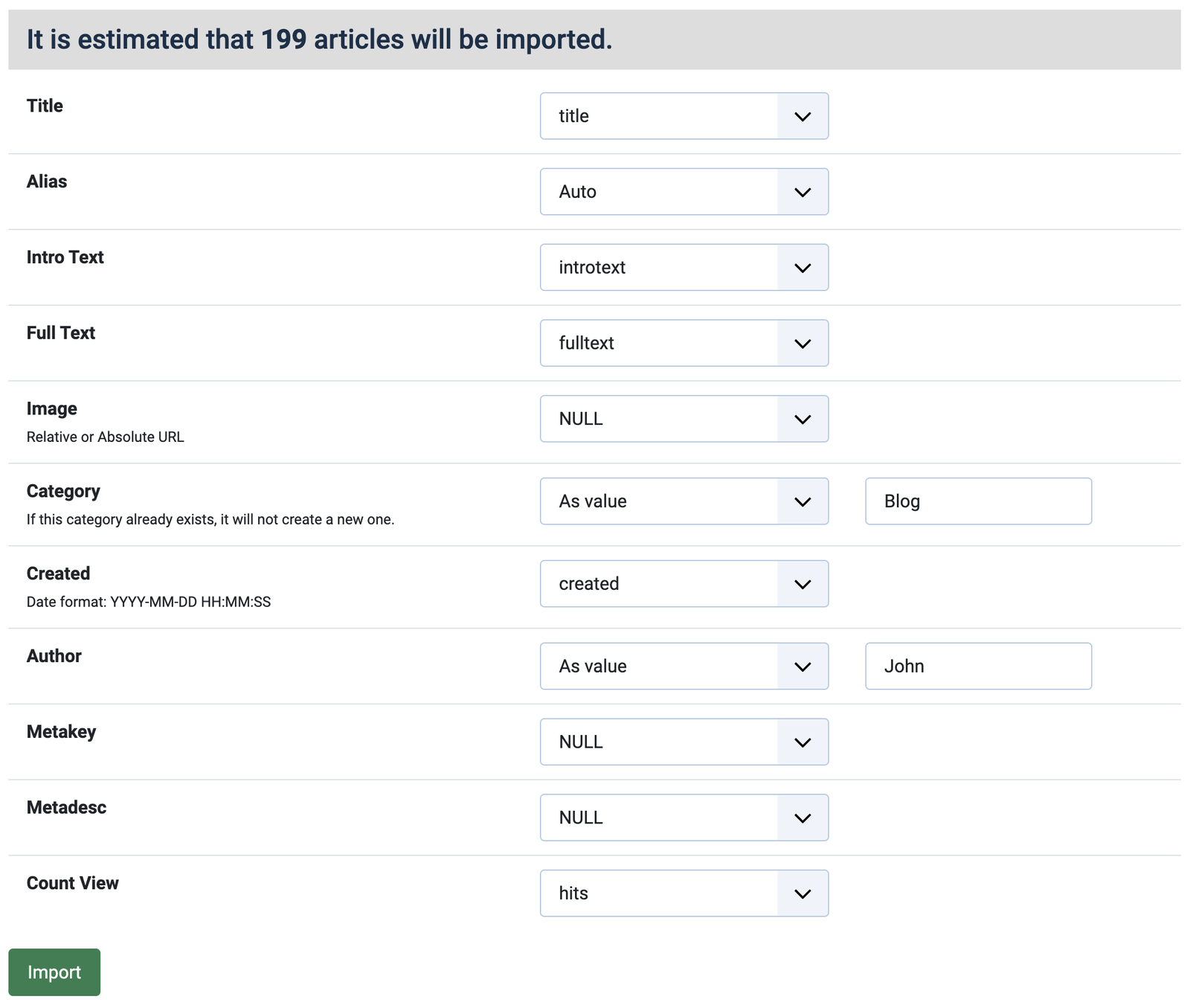
Select the appropriate fields and click the "Import" button to start importing. The results will be displayed in real time.



^Add a message editing option for users who cannot use this feature.