Rename Any Extension in a Click
Have you ever wished you could rename an extension in Joomla to better match your website’s style or to make administration more intuitive? With Admin Menu Rename, that wish becomes reality.
By default, Joomla doesn’t let you change the display name of an installed extension — you’re stuck with whatever the developer chose. That’s not always helpful if you use many extensions, or if you want your admin panel labels to make sense at a glance.
That’s where our powerful add-on comes in. Admin Menu Rename gives you full control over your extension names. Easy to install, works across all major Joomla versions — it’s a small tweak that brings big clarity and polish to your backend.
Buy Now ( $13 )
* It works on all versions of Joomla: 3, 4, 5 and 6.
Demo
Installation & Usage
- After downloading the installation file, you install it via the Joomla installer.
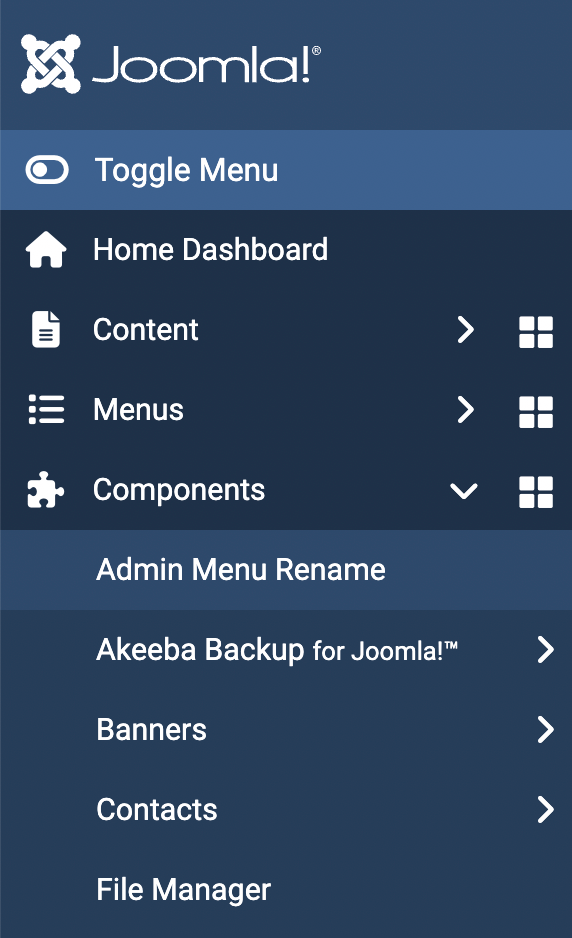
- Go to Extensions > Admin Menu Rename
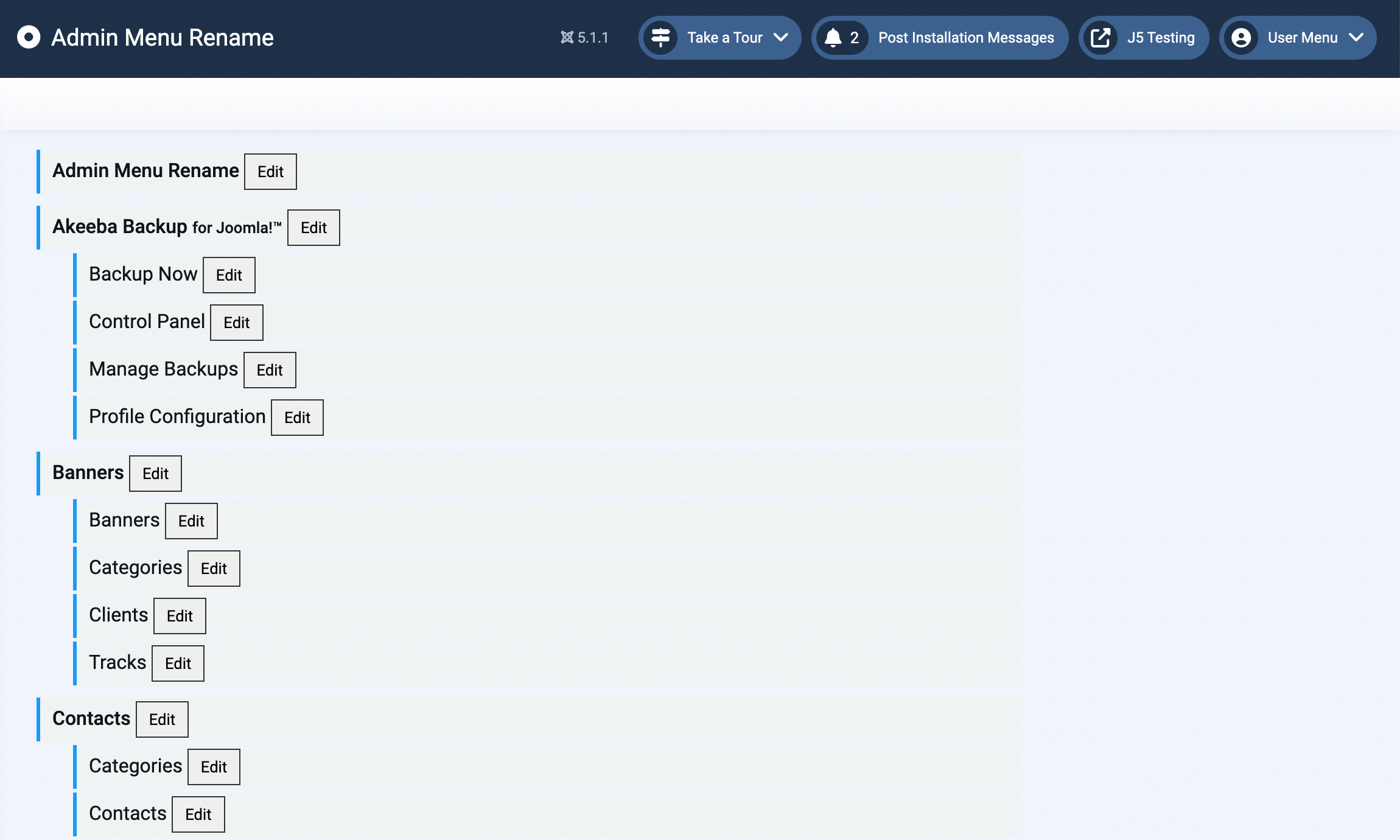
- Change the extension name to whatever you want. You can also use Language Overrider if you want to use the name in multiple languages.

^Add a message editing option for users who cannot use this feature.