Learn about WebP
If you've ever used Google's PageSpeed Insights tool, you'll always get advice in the analysis results: "Image formats like WebP and AVIF often provide better compression than PNG or JPEG, which means faster downloads and less data consumption"
So what is Webp, how important is it and how to convert it. This article can help you.
1. What is WebP
WebP is a modern image format that provides superior lossless and lossy compression for images on the web. Using WebP, webmasters and web developers can create smaller, richer images that make the web faster.
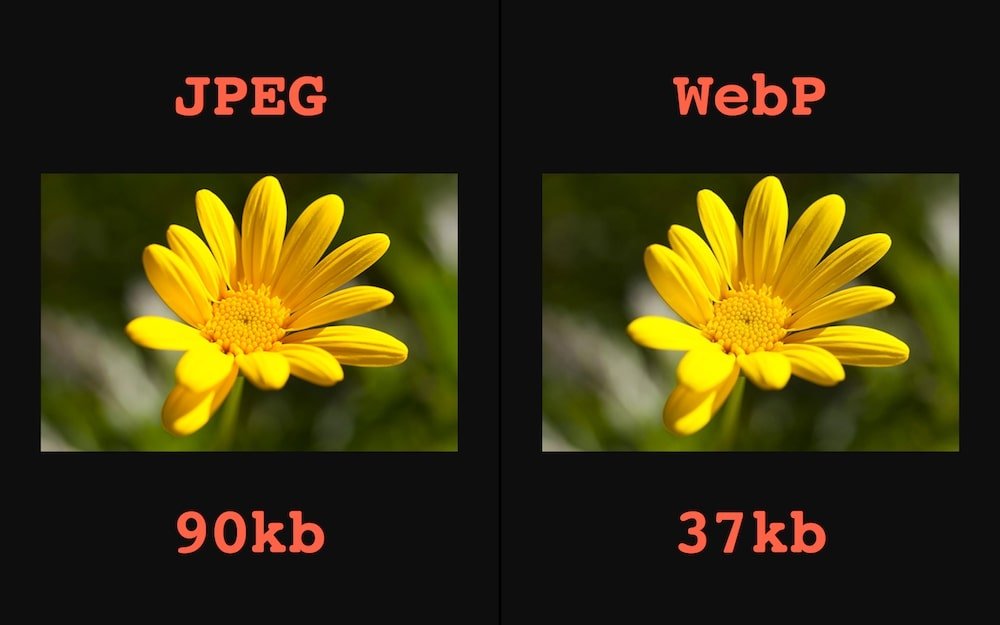
WebP lossless images are 26% smaller in size compared to PNGs. WebP lossy images are 25-34% smaller than comparable JPEG images at equivalent SSIM quality index. This helps your website load faster.
2. How to convert images to WebP
You can convert images to WebP in 3 ways:
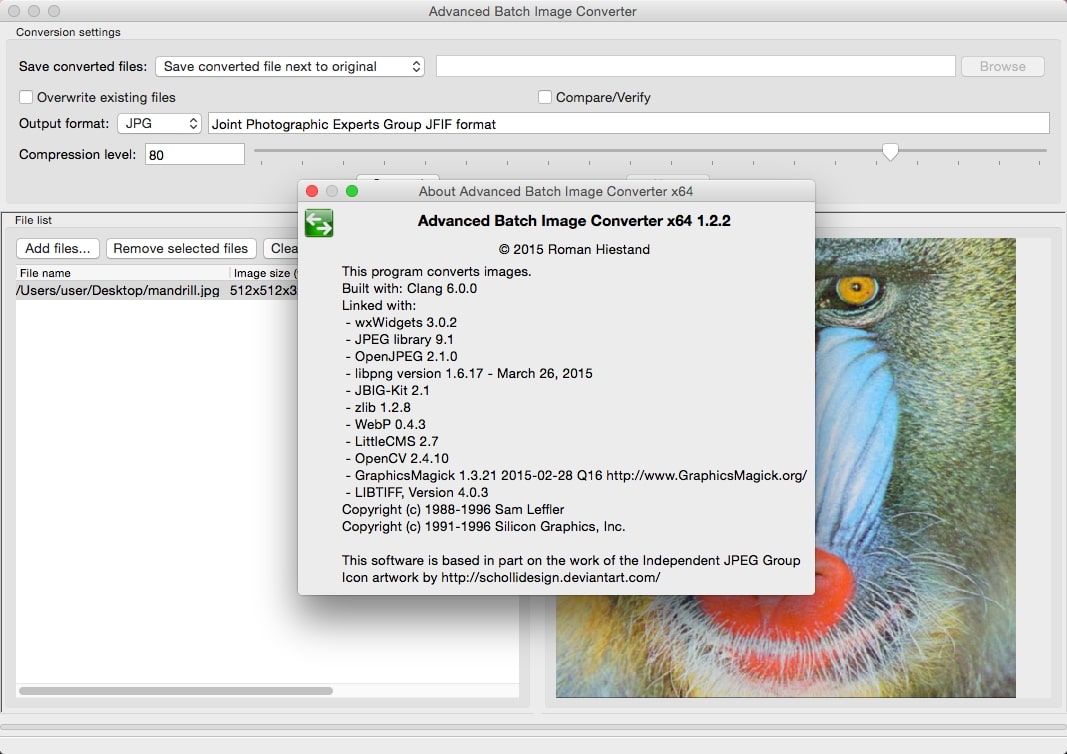
- Use free software like: Advanced Batch Image Converter, XnConvert, Adobe Photoshop WebP Plugin, GIMP WebP Import Export Plugin.
- Using Online services.
- If you are using the Joomla platform to build a website, you can use the free tool of DJ Extension: DJ-WebP

3. Why Is WebP Still Not Popular Yet
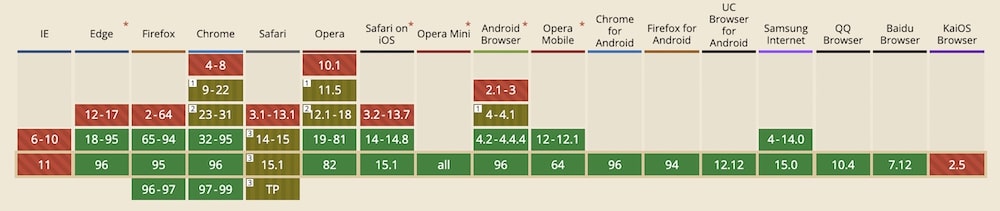
Some older browsers do not yet support WebP, which is a minus point for the customer experience. Of course, adding some code can solve this problem.
In addition, if your website doesn't have too many images and the images are optimized (compressed), you may not need to use it yet.

^Add a message editing option for users who cannot use this feature.