10 Awesome Sites to Download Free Vectors
Vector images are flexible and scalable enough to not lose quality when stretched beyond their original size. This is extremely important in responsive website design. Quality vectors will create a highlight for your website, a factor that increases visits and keeps customers.
Currently there are many sources to download vectors for free, but the quality is not high. In this article, I want to introduce you to the high-quality vector downloads that I use often.
Freepik
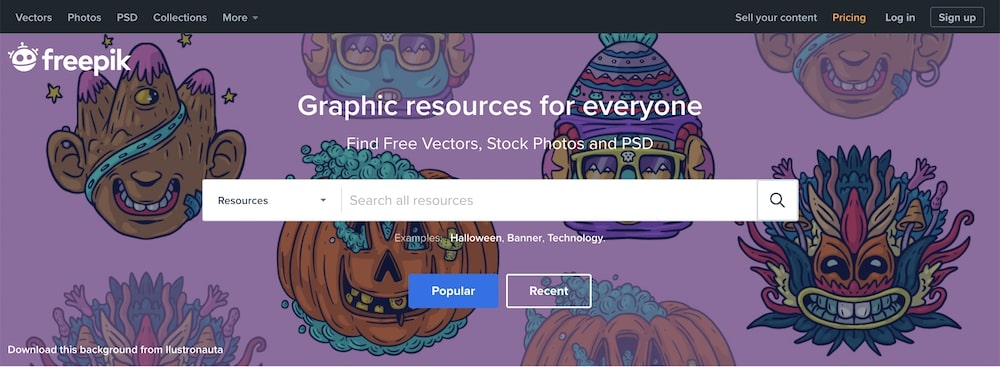
Freepik is one of the largest sites out there, offering a huge collection of over 250,000 free and premium vectors.
Vecteezy

Their collection is quite large and easily searchable, and you can also find a lot of content from other providers here. Check the licenses to see if you can use them for personal or commercial use.
Free Vectors
This site has over 30 categories of free vector art. To use some specific vectors for commercial purposes, you're better off contacting the designer first.
unDraw

UnDraw has a collection of creative vector illustrations that you can use. If you are an application developer or paid platforms, this is a library you should not miss.
Flaticon
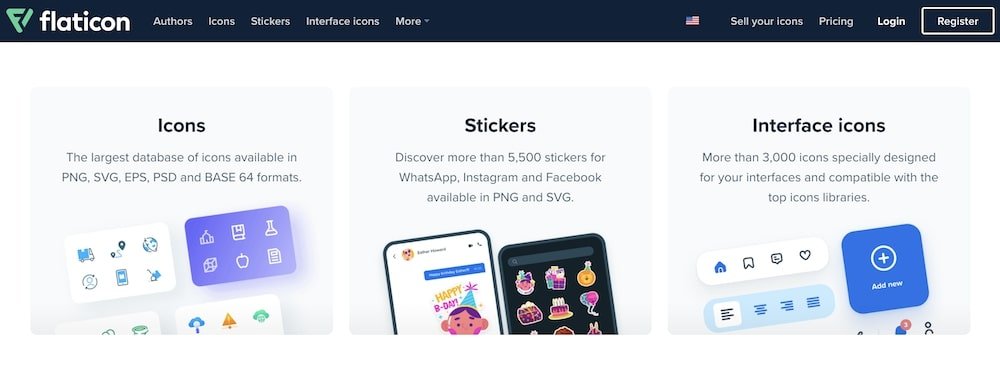
With a collection of over 5.7 million vector icons, Flaticon is known as one of the largest databases of free vector icons on the web. This website is a subsidiary of Freepik.
1001FreeDownloads
1001FreeDownloads is a great collection of graphic resources with 35 different categories. The vectors here can be used for personal or commercial use.
All Free Downloads
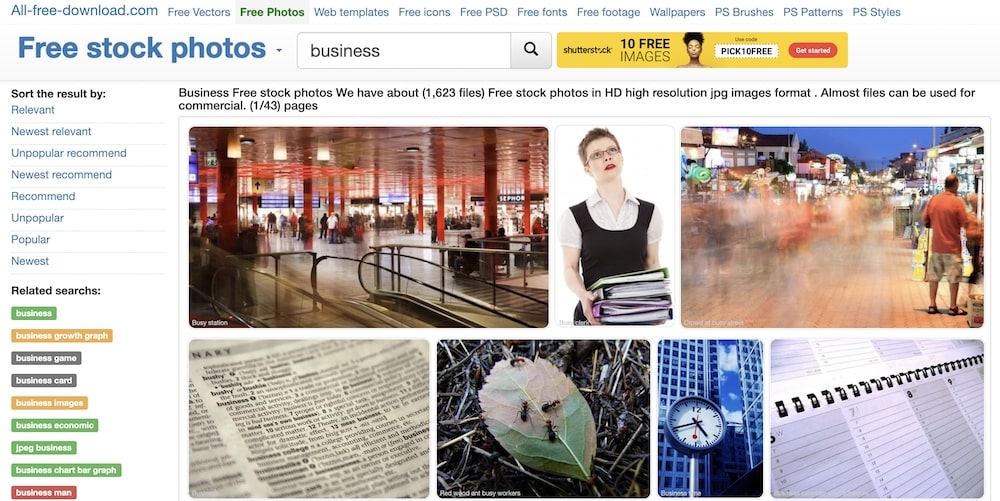
All Free Download has approximately 230,000+ vectors for non-commercial use. In addition to vectors, this site also offers many free services related to photos and wallpapers.
123FreeVectors
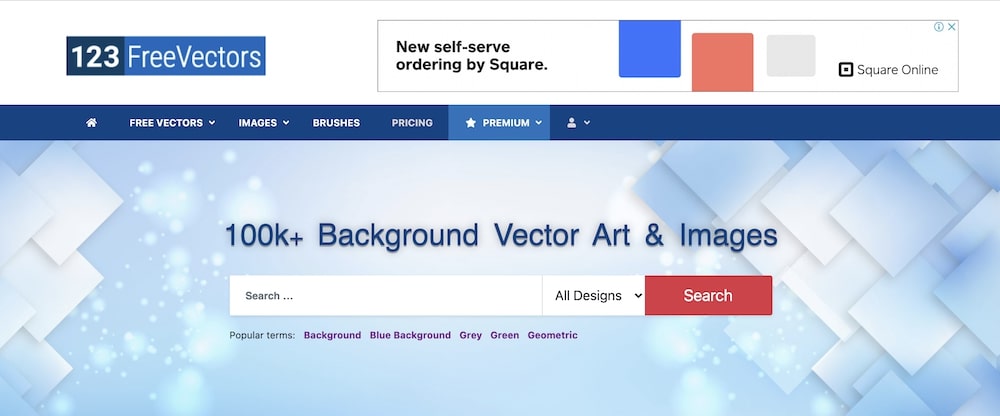
123FreeVectors offers a large number of free vector downloads with over 50 different categories of vectors, including textures and patterns. However you may be bothered by the number of ads.
Dryicons
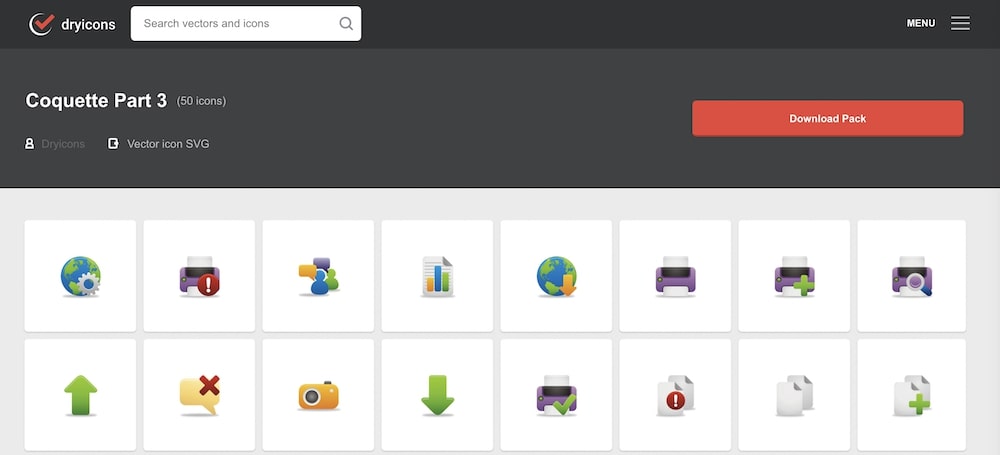
This website has free high quality creative vectors. Use the search box to find what you want and leave attribution as you use the vectors.
Dribbble

Founded in 2009, Dribble is a great community of famous designers from around the world and they often share free vector graphics here. If you're looking for design inspiration, must visit it.

^Add a message editing option for users who cannot use this feature.