After installation, go to Admin page > Components > Table to CSV to get started.
Export Database table to CSV file
Sometimes you want to export some database tables to a CSV file for analysis or backup.
I have developed an extension for Joomla called "Table to CSV". It will list all the tables of the current database.
If you want to export any table, just click the "Export" button and wait for the download:
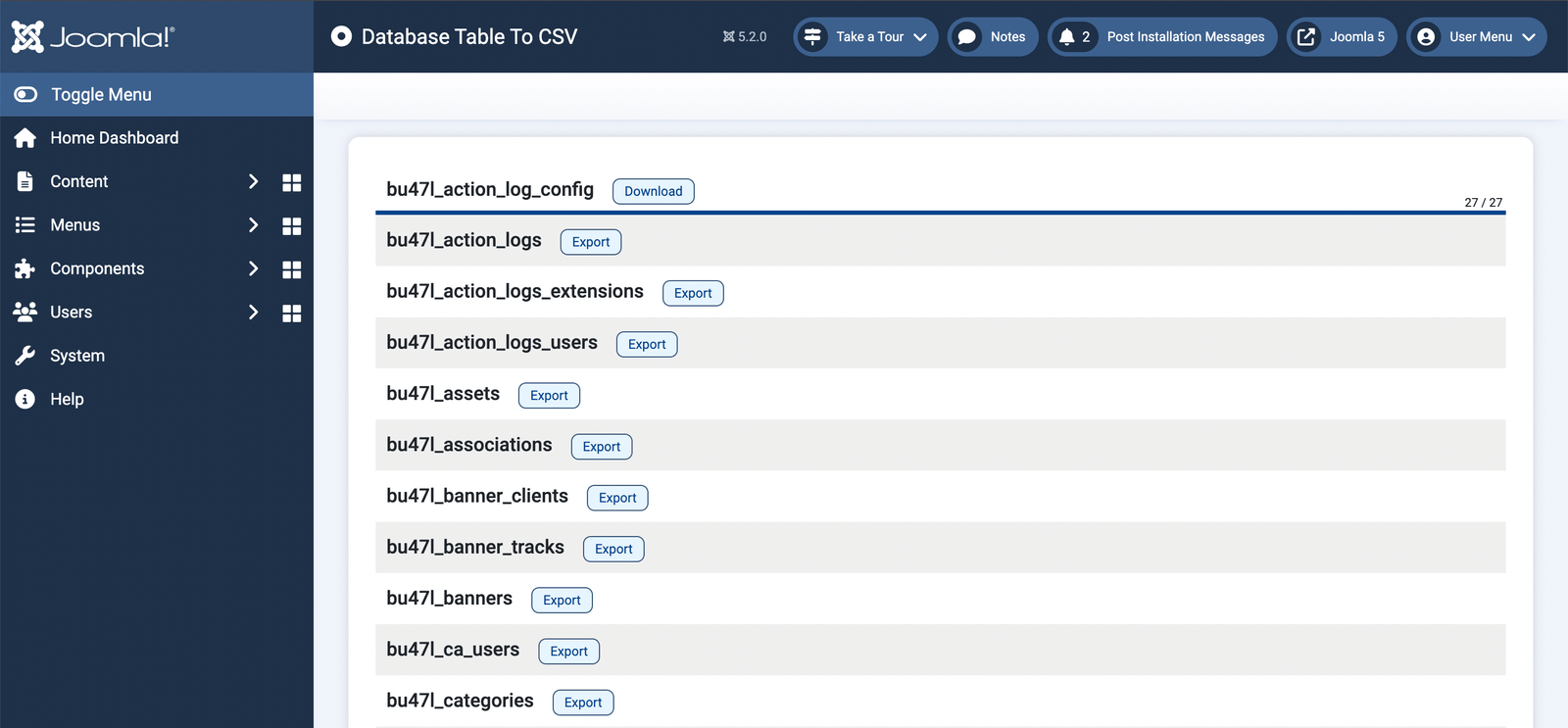
For large tables, it will show the progress so you can easily observe. This extension is suitable for Joomla 3, 4, 5 and 6.

^Add a message editing option for users who cannot use this feature.