

















·
3 years ago
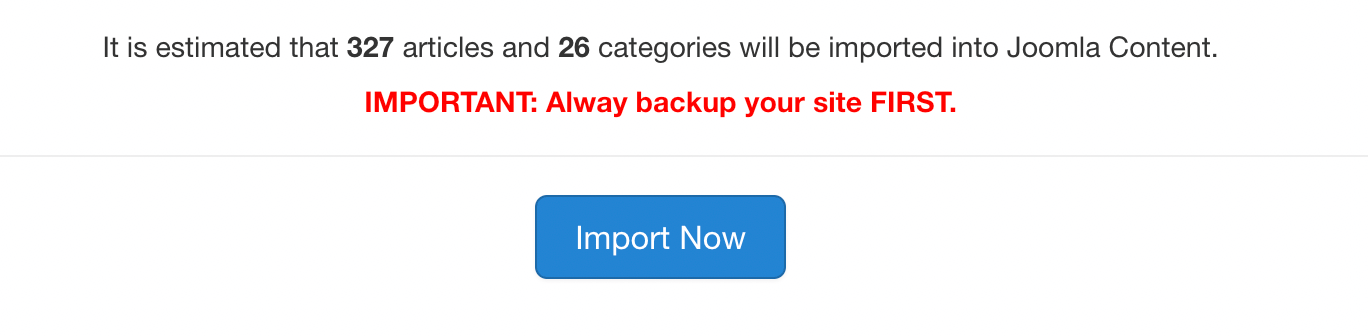
Used your product and it converted over 20,000 K2 items into Joomla articles with images. Everything looks good except trying to display content takes a very long time (with multiple timeouts). Eventually, articles are displayed but it's really not workable. Is this an issue with the number of articles or possibly a database keying issue, sorting, whatever?
I am working with a cloned version of my live site so I can send admin access credentials to you if you'd like.
Thanks in advance!
I am working with a cloned version of my live site so I can send admin access credentials to you if you'd like.
Thanks in advance!
-
This commment is unpublished.
 · 3 years ago@Phil Gailinas What are your settings (PHP ones are important, I guess). My best try was 2700 articles from 13000+
 -
This commment is unpublished.
 · 3 years ago@Phil Gailinas Please send your site info to my email contact@joomhelper.com. Thanks!











^Add a message editing option for users who cannot use this feature.